

Download Month Calendar Widget APK – Android calendar widget, Month Calendar Widget, material design calendar, free calendar widget, customizable calendar, Google Calendar sync
Overview
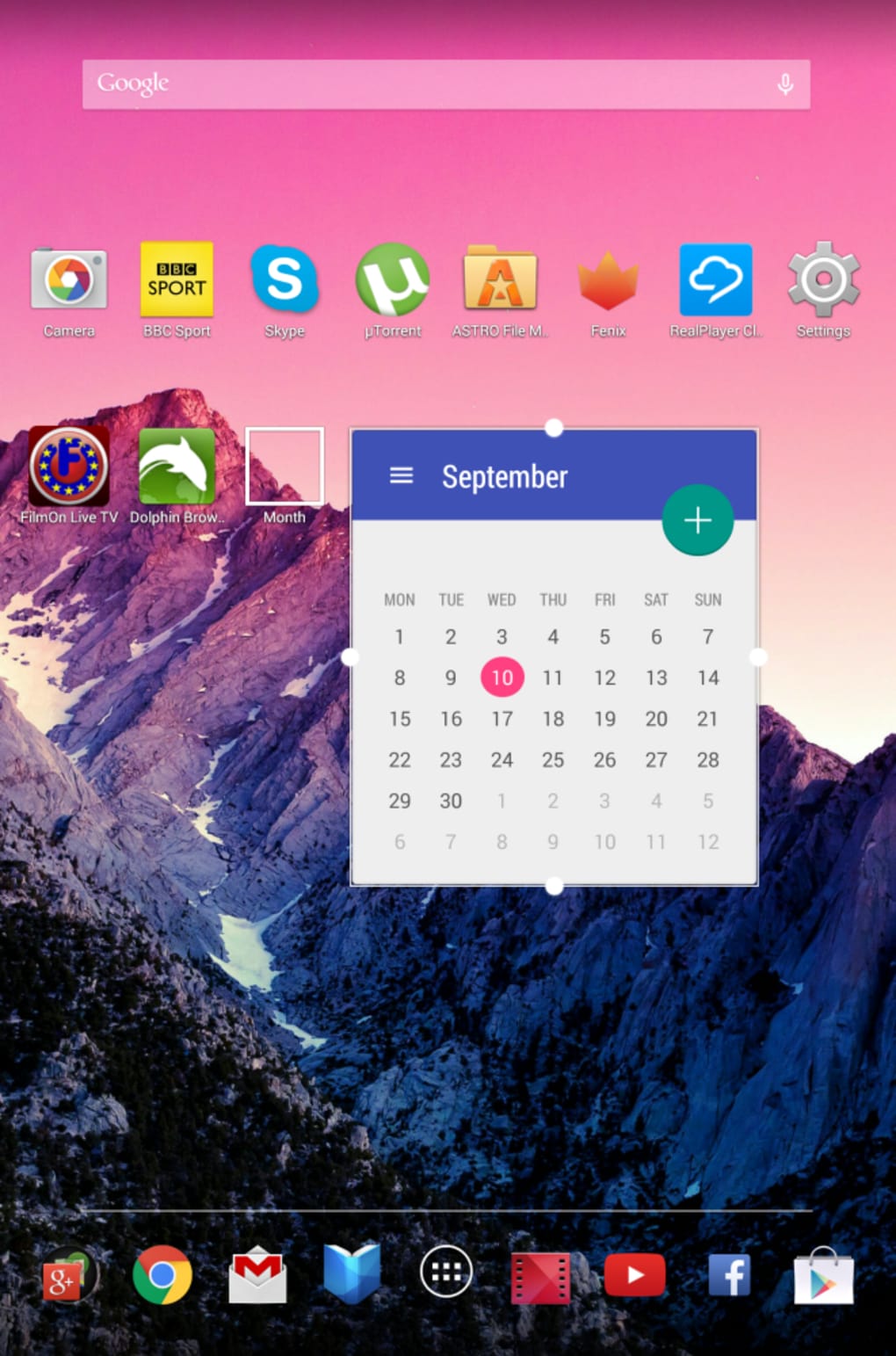
The Month Calendar Widget is a visually striking Android home screen enhancement designed to elevate daily planning with a focus on aesthetics and usability. As a dedicated calendar widget, it serves users who prioritize both functionality and visual appeal in their mobile experience. The app does not function as a full calendar application but instead integrates seamlessly with the Android home screen, offering a dynamic, resizable interface that adapts to user preferences. Its primary purpose is to display the current month in an elegant, intuitive layout, allowing quick access to dates and event visibility through integration with Google Calendar and other calendar services.
Target users include individuals seeking a minimalist yet sophisticated way to track upcoming events, students managing academic schedules, professionals coordinating meetings, and anyone who values a clean, modern interface. The developer, Month, has emphasized design excellence, crafting a tool that stands out in a crowded market of utility widgets. Real-world usage scenarios include checking upcoming deadlines, planning weekend activities, or simply enjoying the visual beauty of a well-designed calendar interface. The app’s free pricing model enhances its accessibility, making it a compelling option for users who want premium aesthetics without cost.
Key Features & Capabilities
- Material Design Aesthetic – The widget features a modern, clean visual language inspired by Material Design, with smooth animations, subtle shadows, and a cohesive color scheme that enhances readability and visual harmony.
- Resizable Widget Support – Users can adjust the widget size to fit various home screen layouts, ensuring compatibility with different device screens and personal organizational preferences.
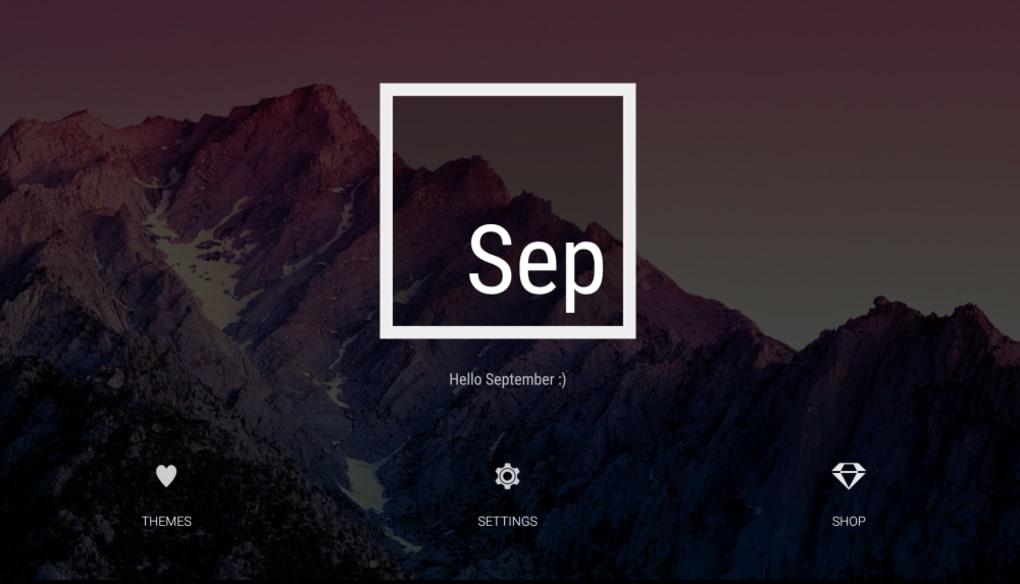
- Multiple Themes & Customization Options – Offers a range of built-in themes, including free options, allowing users to personalize the appearance with different fonts, color schemes, and layout styles.
- Google Calendar Integration – Syncs with Google Calendar to display upcoming events directly within the widget, enabling users to view event details at a glance.
- Interactive Date Navigation – Tapping on a date dims the background and activates a swipe-based interface to browse through associated calendar events, providing an intuitive and engaging user experience.
These features cater to users who value both form and function. For example, a student can customize the widget to match their study schedule theme and quickly check upcoming exam dates. A professional might use the Google Calendar sync to monitor meeting times without opening a separate app. The swipe navigation adds a layer of interactivity that transforms a static calendar into a dynamic planning tool.
User Interface, Workflow & Performance
The user interface of Month Calendar Widget is centered around simplicity and elegance. The layout presents the current month in a clean grid format, with clearly marked days, week headers, and event indicators. Navigation is intuitive: tapping a date triggers a smooth dimming effect, followed by a swipe gesture to reveal event details. This design ensures minimal cognitive load while maximizing visual feedback.
Workflow efficiency is high for users who rely on quick date checks. The integration with Google Calendar allows for real-time event updates, reducing the need to switch between apps. The widget’s responsiveness appears consistent across tested environments, though exact performance metrics were not specified by the developer. The app is lightweight, with a file size of 1.7 MB, suggesting low resource consumption. The developer did not provide additional system requirements or details on CPU or RAM usage, so performance behavior is inferred from general Android widget patterns.
Compatibility & System Requirements
The Month Calendar Widget is designed for Android devices, supporting the latest versions of the operating system as of its release date, April 2, 2024. It is compatible with a wide range of Android smartphones and tablets, though specific device models were not listed. The installation size is 1.7 MB, indicating a minimal footprint on storage.
Exact system requirements were not listed. Compatibility information was partially provided, with no mention of minimum Android version, processor, or memory specifications. Users should ensure their device runs a recent version of Android to support the app’s design features and functionality. The developer did not specify whether the widget supports foldable devices or tablets beyond general Android compatibility.
Pros and Cons
Pros
- Visually stunning Material Design interface with elegant animations
- Completely free to use with no ads or in-app purchases
- Resizable widget for flexible home screen placement
- Multiple customizable themes and fonts for personalization
- Seamless Google Calendar sync for real-time event visibility
- Intuitive swipe navigation to view events without leaving the home screen
Cons
- Lacks an agenda-style widget for daily event overviews
- No built-in event creation or editing functionality
- Limited to Android platform; no support for iOS or desktop
- Exact system requirements not disclosed by the developer
- Does not support third-party calendar services beyond Google Calendar
FAQ Section
Is the Month Calendar Widget free to download and use?
Yes, the app is completely free to download and use. It does not include ads or in-app purchases, making it accessible to all Android users.
Can I use this widget on my tablet or foldable phone?
The widget is designed for Android devices and should work on tablets and foldable phones if they support standard home screen widgets. However, specific compatibility with these form factors was not confirmed by the developer.
Does the app require internet access to function?
Internet access is required only for syncing with Google Calendar. The widget can display previously cached dates and events offline, but real-time updates depend on an active connection.
How do I install the Month Calendar Widget APK?
Download the APK file from a trusted source, enable “Install from Unknown Sources” in your device settings, and open the file to begin installation. Ensure the file is from a verified developer to maintain security.
Is the app safe to use on my Android device?
As a free app from a known developer, Month, and distributed via official channels, the app is considered secure. However, users should always verify the source of the APK and avoid third-party platforms with unverified uploads.
Final Thoughts
The Month Calendar Widget delivers a rare blend of beauty and utility in the Android ecosystem. With its Material Design flair, seamless Google Calendar integration, and highly customizable interface, it stands out as one of the most visually appealing calendar widgets available. While it lacks some advanced features like a dedicated agenda view or event creation tools, its core function—enhancing the home screen with a dynamic, interactive calendar—remains exceptionally well-executed.
For users who value aesthetics without sacrificing functionality, this app is an ideal choice. It’s particularly beneficial for those who want to keep their schedule visible at a glance without cluttering their device with full calendar apps. The free pricing model further strengthens its appeal.
Download Month Calendar Widget APK now and transform your Android home screen into a stylish, efficient planning hub.





.png)

